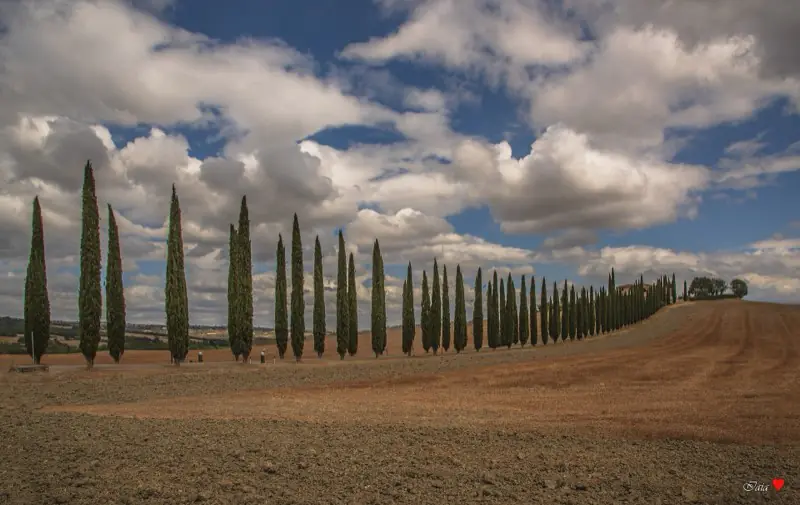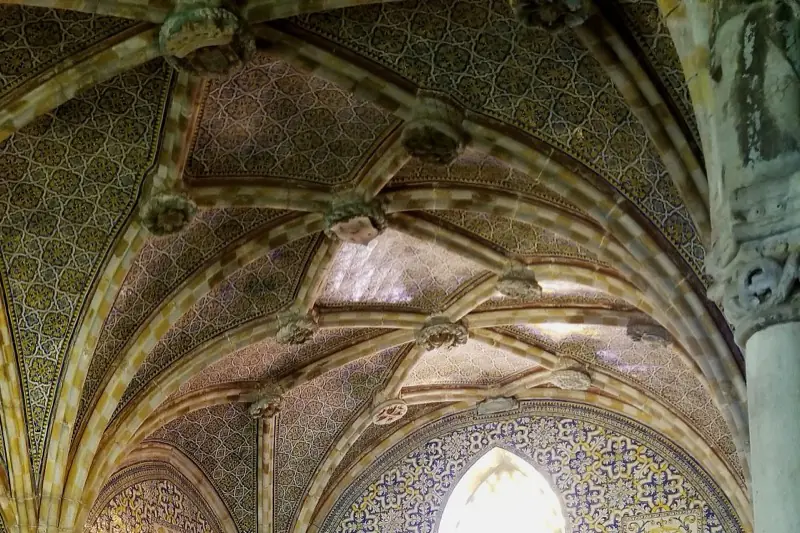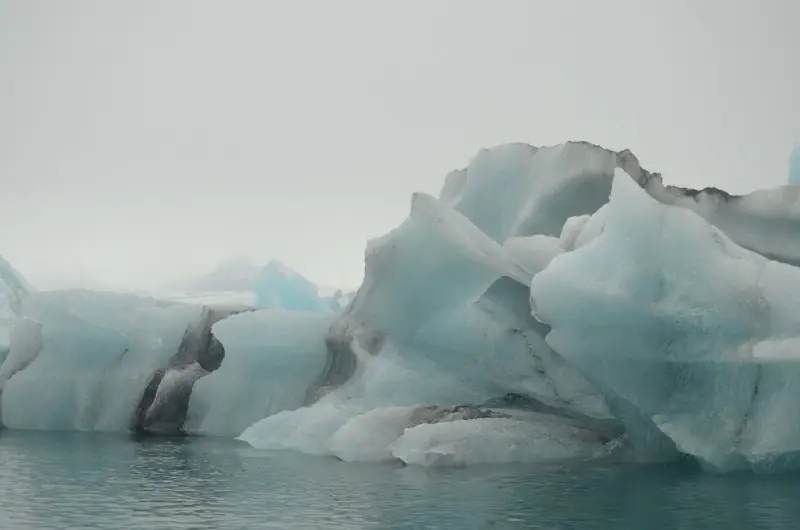
A caption and tags
A short description of each photo and the things in it: a tram, a ceiling, a plate of ramen.
Photo search

You remember the icebergs, not the date. Every photo you add to Trvlrr is described when it's uploaded — what's in it, the landmark, any words on a sign — so a few words find it, with the trip and the place it came from.
How it works
A short description of each photo and the things in it: a tram, a ceiling, a plate of ramen.
Named from where the photo was taken, and only when it's really there — a guess from somewhere else is dropped.
A station sign, a menu, a street name: text in the photo is searchable too.
Search also matches the trip, the city and the people in the photo.
Getting photos in
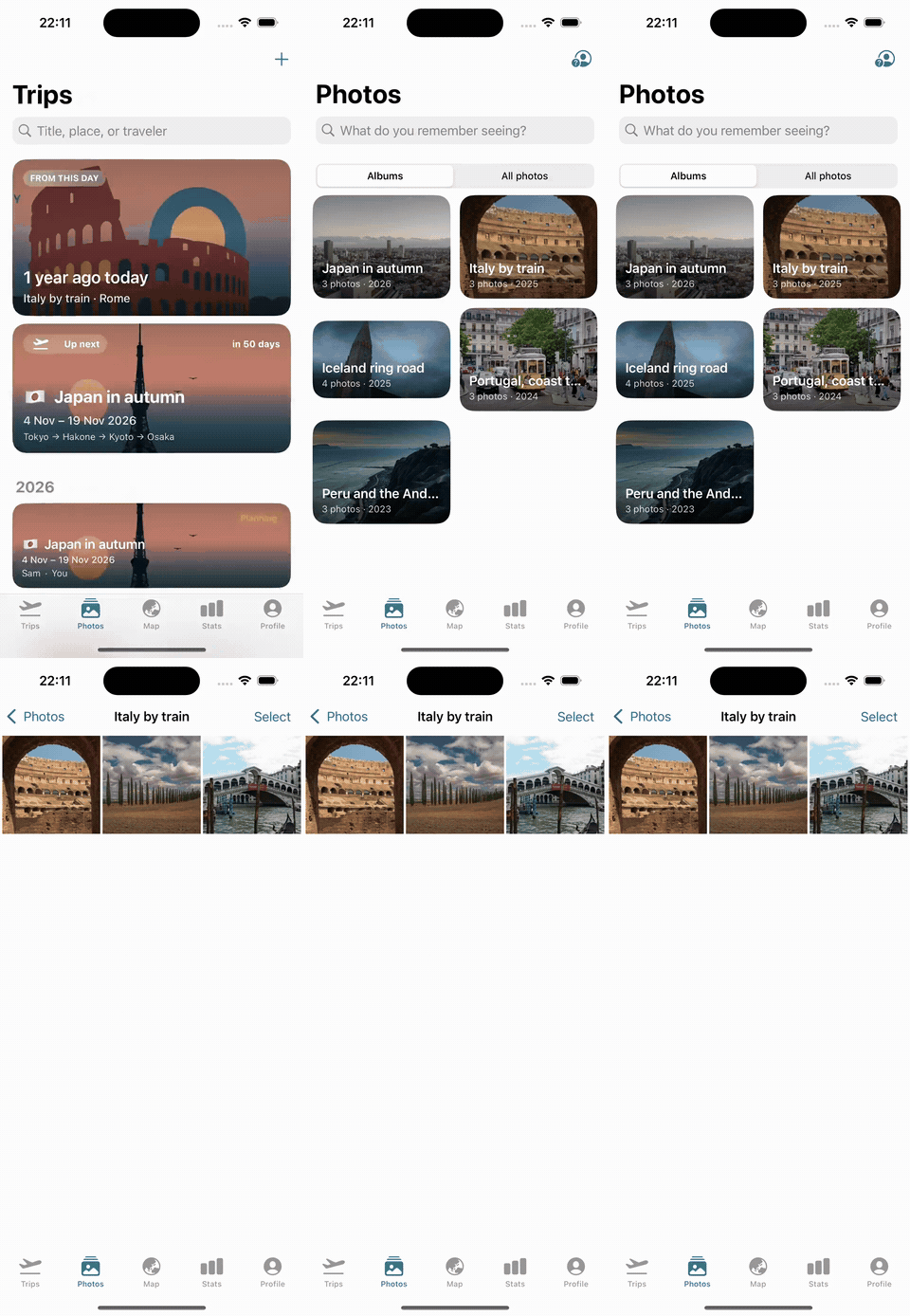
Trvlrr suggests the photos from your library taken during each trip's dates, so filing a trip's photos is one tap. You can also share up to 200 photos at once from the Photos app, or drag them into the web app.
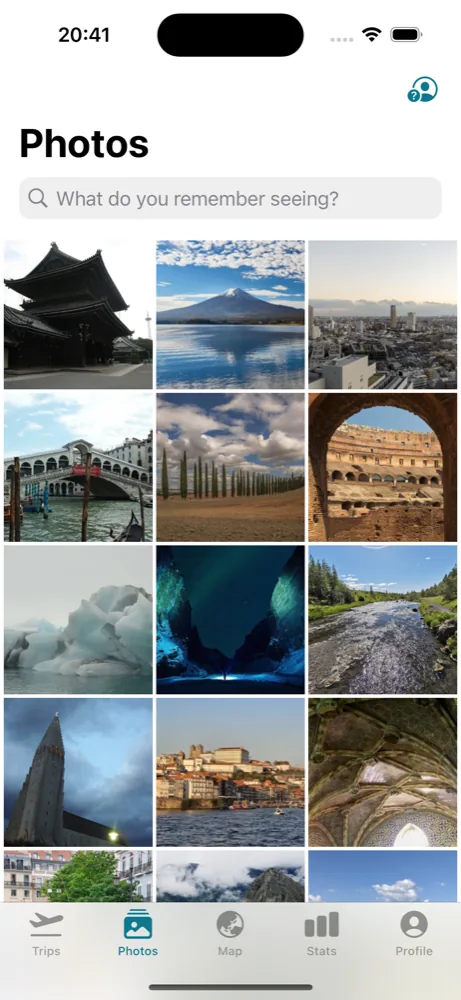
Faces are recognised on your iPhone; your photos are never sent anywhere for it. Trvlrr groups the photos of each person across every trip and asks who they are, once.
Private by design
Descriptions are written by Anthropic's Claude on our servers and are never used to train any model. You can switch photo descriptions off, and remove them, whenever you like. Only you and the people you invite can see your photos.
Questions
Photo search and people are part of Trvlrr Plus. The free plan keeps 100 photos with descriptions; Plus has no photo limit. See pricing.
No. Nothing is uploaded until you choose it — from the suggestions for a trip, the share sheet, or the web app.
From where the photo was taken. A landmark is named only when it stands within a few kilometres of the photo; otherwise the photo is described without one rather than given a confident wrong name.
No. Photos are described to make your search work and are never used to train any model.
Keep reading
The route plays back on a map with your photos at each stop. Record it and send it home.
Read more →Countries, cities, flights, kilometres and days away — a passport that stamps itself.
Read more →A seat for your partner, one trip for a friend, a read-only link for family.
Read more →Free to start on iPhone and the web. Trvlrr Plus adds unlimited photos, photo search, people, the planner and a seat for the person you travel with.